
London studio · UK & international projects
3D printer repair and setup in London
Printer diagnostics, agreed parts replacement, new printer setup, practical troubleshooting and help preparing files and print profiles.
- Start with
- Diagnosis
- Help with
- Setup & profiles
- Work
- Agreed first
Printer support
Find the fault. Get a sound starting point.
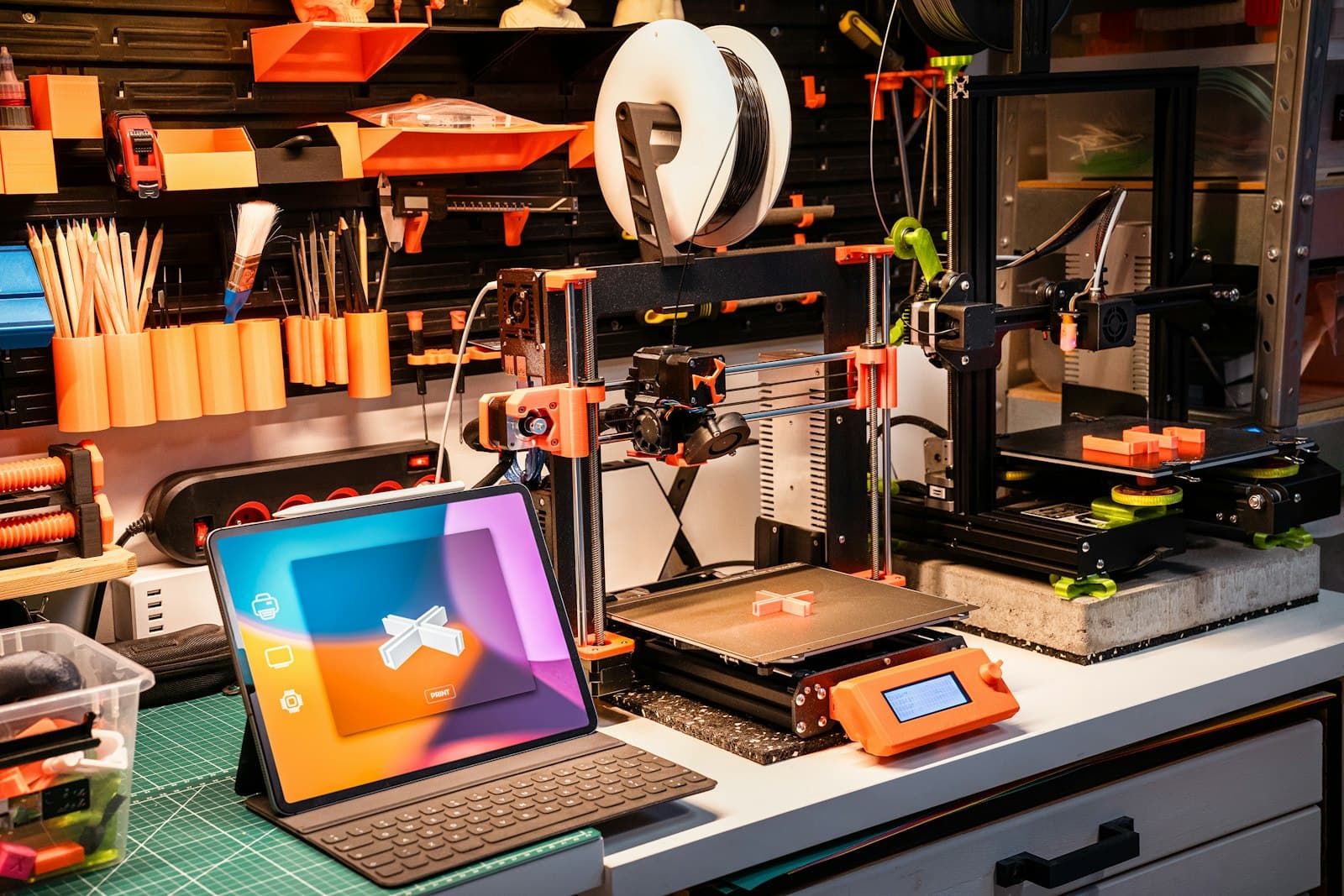
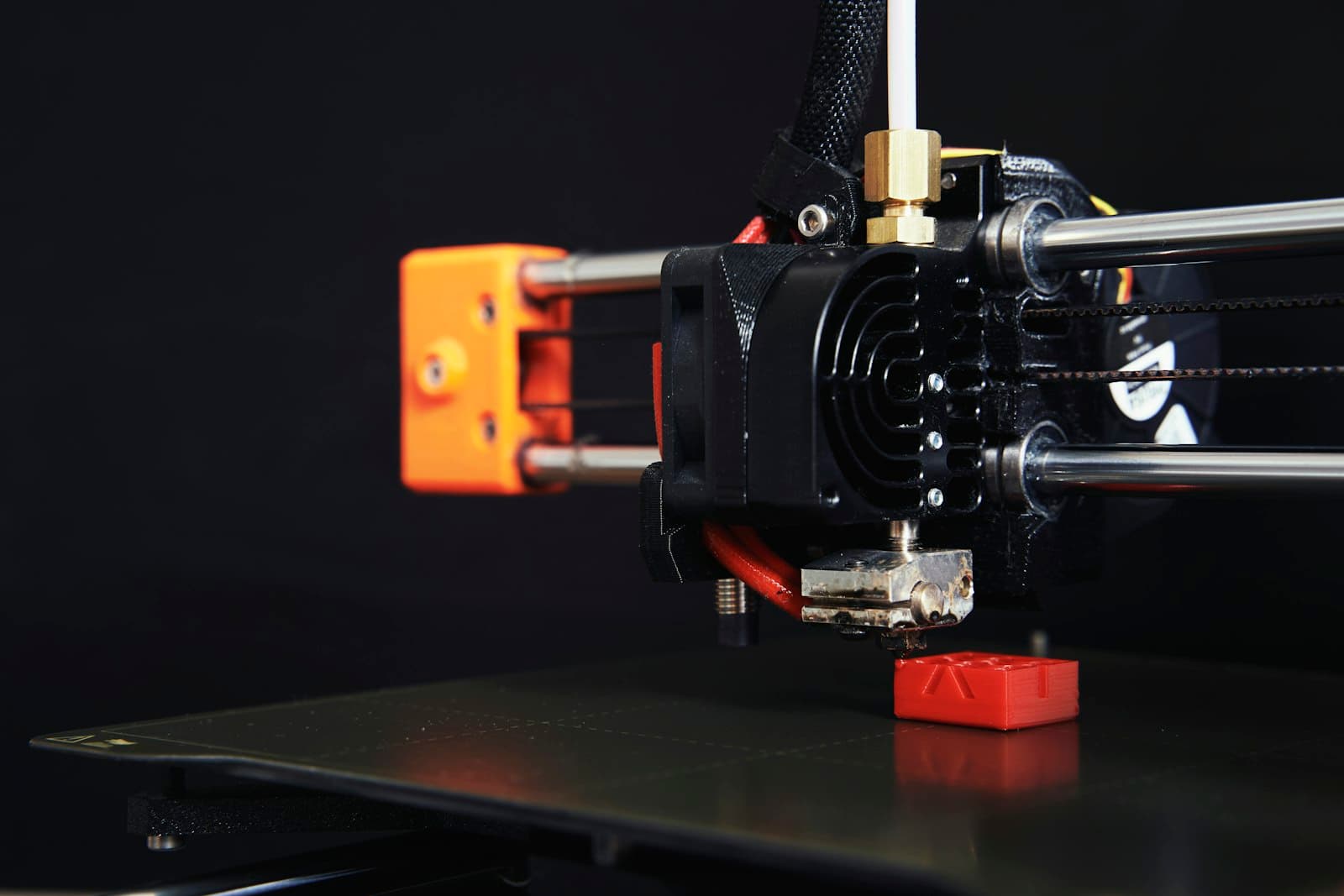
A printer that has stopped working, prints unreliably or is still in its box? Start with the make and model, what is happening and what you have already tried. We assess the symptoms first, then agree whether the next step is troubleshooting, setup, a profile adjustment or a repair. If a part appears faulty or worn, its compatibility, availability and cost are checked with you before replacement. Support depends on the printer and fault, so we confirm the scope before booking work.
How we can help
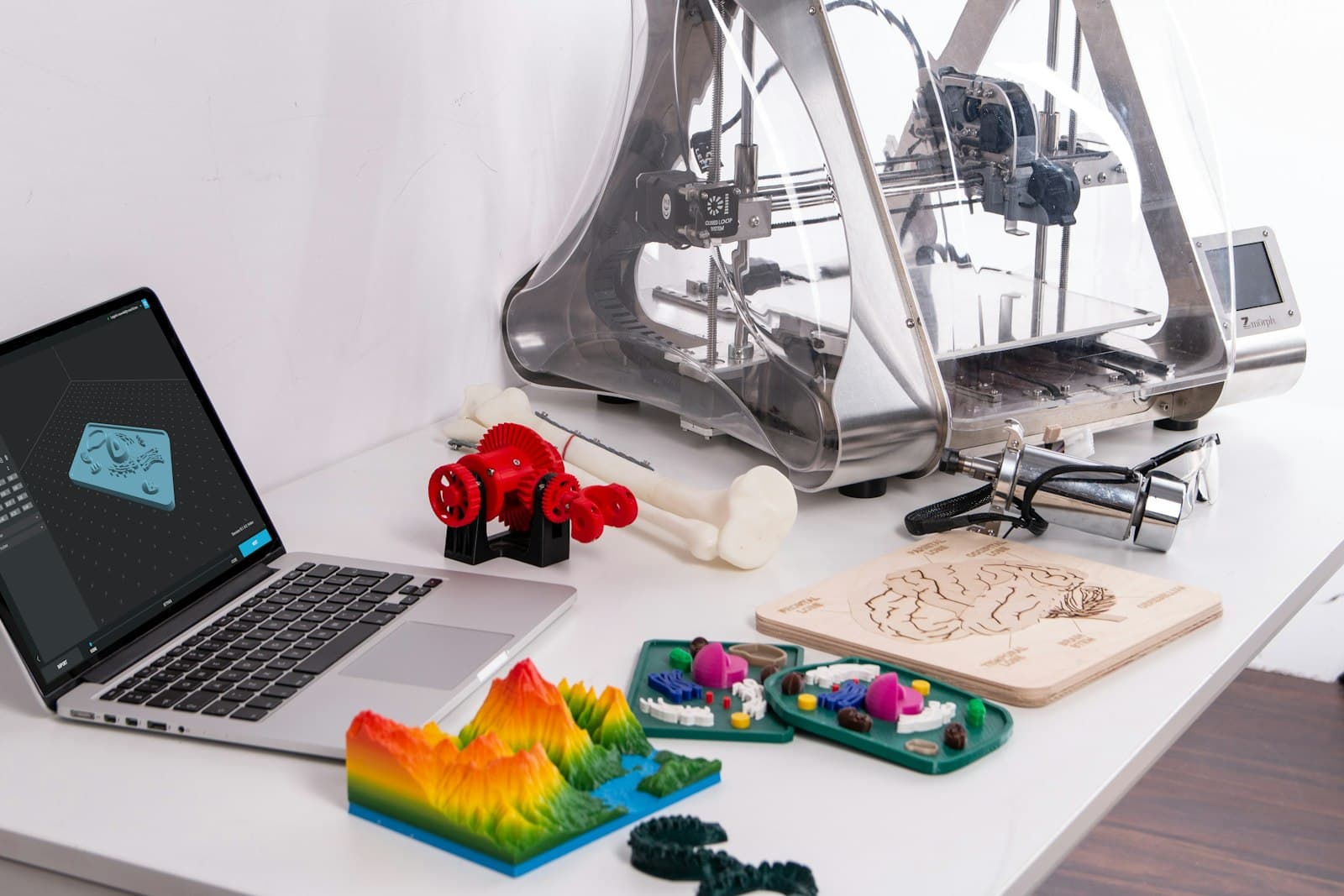
A printer that works for the way you use it.
- 01
Diagnostics before repair
We review the printer model, symptoms, error messages, print samples and settings to narrow down whether the issue is mechanical, electrical, material-related or in the slicer.
- 02
Parts replaced by agreement
If a component seems faulty or worn, we identify a compatible option and check availability and cost with you. Replacement only goes ahead once the part and work are agreed.
- 03
Set up a new printer
Get help with initial assembly and the printer's supported settings, then work through a suitable first test. The exact setup depends on the make and model.
- 04
A reliable starting profile
Set up and check a baseline slicer profile for a specific printer, nozzle and material, then learn which settings to adjust. The same profile will not suit every model or material.
- 05
A quick introduction to 3D printing
Learn how slicing software turns a digital model into layers: FDM lays down melted filament, while resin printing cures liquid resin. See what the slicer controls before a print starts.
- 06
Troubleshooting that makes sense
Work through common symptoms such as poor first-layer adhesion, stringing, clogs or shifted layers, and learn what to check before changing several settings at once.
- 07
Files ready for the printer
Find a model, check its licence and suitability, then review scale, orientation, supports and slicer settings before preparing a file for the correct printer.
A practical route forward
Diagnose, set up, then print with confidence.
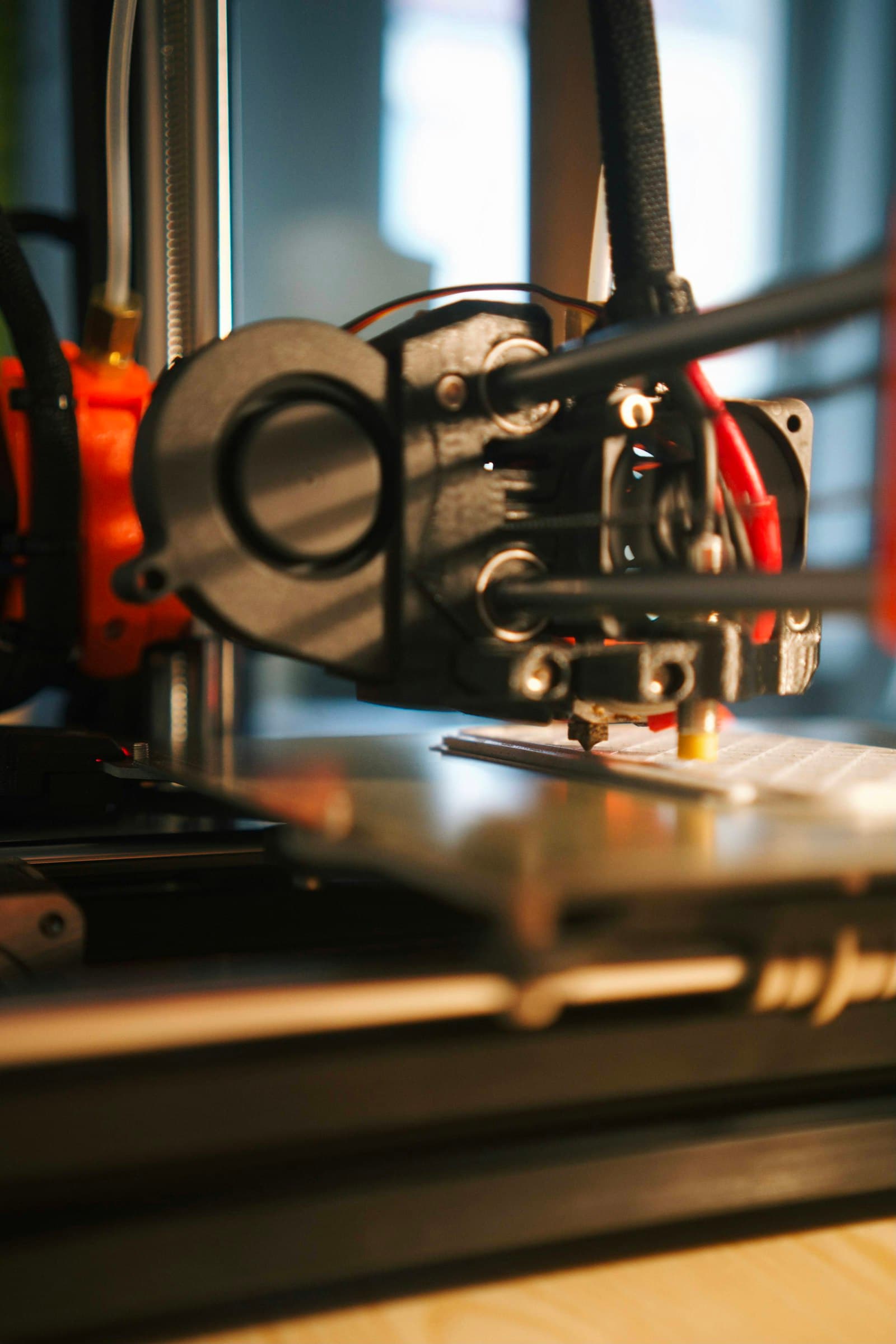
A failed print can start with the file, the profile, the material or the machine. We work through the likely causes first, and confirm the scope before any repair or parts replacement.
 1
1Find the cause
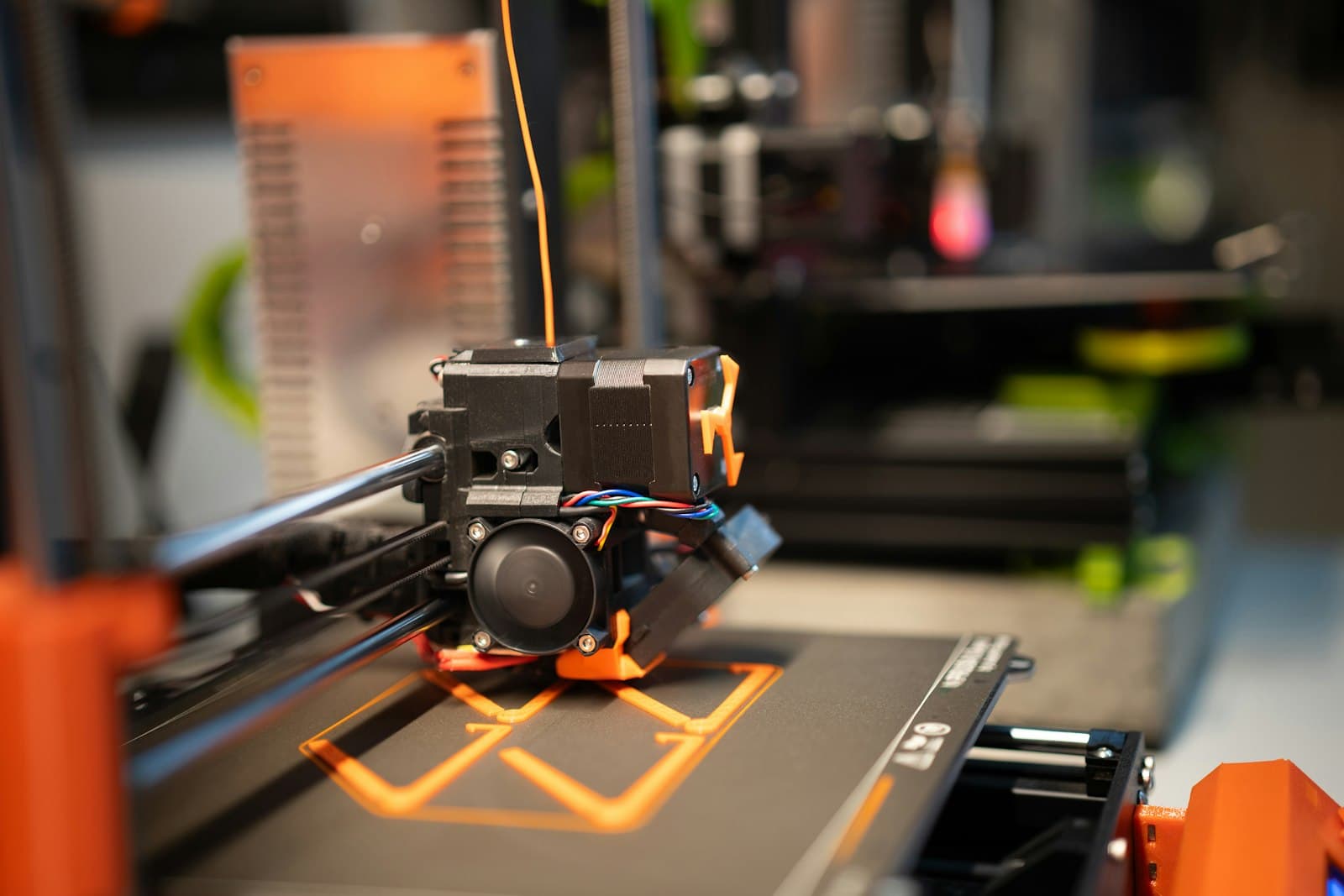
Review the printer model, symptoms, error messages, settings and a photo of the print before deciding what to check next.
 2
2Set a stable baseline
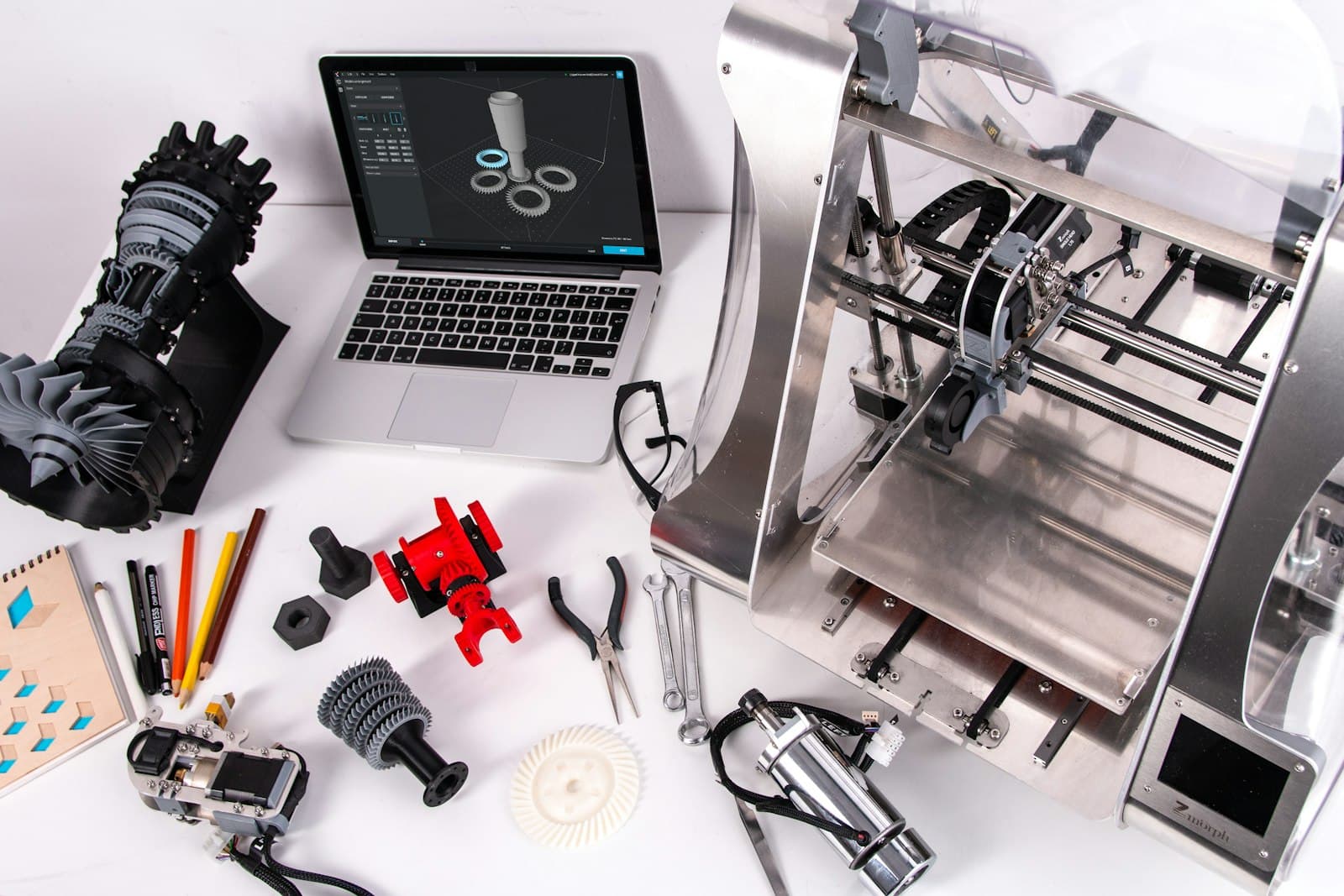
For a new or inconsistent printer, review its setup and check a suitable starting profile for the machine, slicer and material.
 3
3Prepare the file
Check the model, scale, orientation and supports, then slice it for the correct printer and intended material.
Printer support in focus
The machine, the settings and the first layers all matter.
Finding a model
Choose a file, then prepare it for your printer.
Model libraries are a good place to start if you do not have a design of your own. Check the model description and the creator's licence, then download an STL or 3MF intended for 3D printing. Open it in a slicer set up for your printer and material, check the scale, orientation, supports and settings, then export the print file in the format your printer supports.
Send the model link or file, your printer and slicer, the material and the size you want. We can discuss any checks or preparation it needs.
Ask about file preparation ↗Read the licence on the model's own page. A download does not automatically grant commercial-use or redistribution rights.
- Thingiverse (opens in a new tab)thingiverse.comCommunity models across practical, decorative and hobby projects.
- Printables (opens in a new tab)printables.comCommunity-uploaded models with print files and settings on many listings.
- MakerWorld (opens in a new tab)makerworld.comA library of models, including projects shared with printer-specific settings.
- MyMiniFactory (opens in a new tab)myminifactory.comA library with a strong focus on miniatures, figures and tabletop models.
From symptom to next step
How printer support works
- 1
Share the printer and symptoms
Send the make and model, photos or a short video, any error message, the material and slicer, and what you have already tried.
- 2
Assess the likely cause
We review the information and, where the printer can be assessed, identify the next checks. Some faults need a closer inspection before they can be diagnosed.
- 3
Agree the scope and cost
We explain the proposed setup, troubleshooting or repair. Any part and its cost are agreed with you before it is ordered or replaced.
- 4
Set up, repair or guide
We carry out the agreed work or show you the checks and settings to use, then explain what to watch for on your next print.
Before you book
Printer repair and setup questions
Can you repair any 3D printer?
Support depends on the printer, the fault and whether suitable parts or documentation are available. Send the make and model and a description of the issue so we can check the scope before arranging work.
Will you replace a faulty part?
If diagnostics point to a faulty or worn part, we first check compatibility, availability and cost. We only order or replace it after you agree the part and the work.
Can you help with a failed print?
Yes. Share a photo of the result, the STL or 3MF model if you can, the printer and slicer, and the material and settings used. This helps us distinguish a file or profile issue from a printer fault.
Can you set up a profile for my printer?
We can help create and check a starting profile for a particular printer, slicer and material. Settings are a baseline: a different model, material batch or desired finish may need adjustment.
Where can I find 3D files, and can you prepare one?
You can browse model libraries linked below or bring a file you already have. Check the creator's licence and download terms first. We can help review file suitability, scale, orientation and slicer preparation for the printer you use.
Tell us the essentials
Tell us the model and what it is doing.
Tell us the printer make and model, whether it uses filament or resin, the fault or setup you need, any error message, material and slicer, what you have tried, and attach photos or a short video if useful.
Some photographs are from Unsplash, by Jakub Żerdzicki, Christian Englmeier, ZMorph All-in-One 3D Printers and Kadir Celep.